After opening a dispute, the buyer can change their mind and cancel it, as long as that action is available in their case.
How do you cancel your dispute?
- Log in to your account and open “Disputes / conversations”.
- Select the conversation for the dispute concerned.
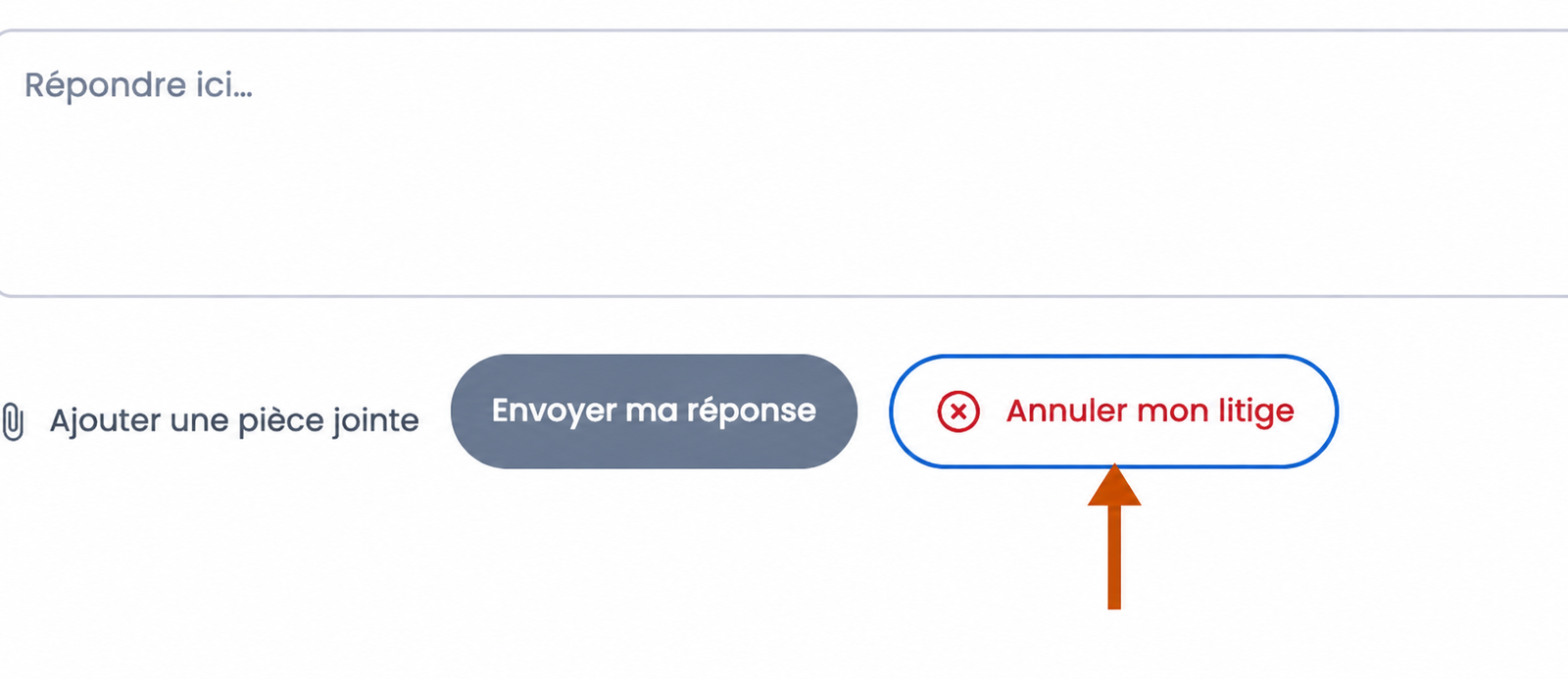
- Click “Cancel my dispute”.
- Read the consequences shown, then click “Confirm cancellation”.
What happens after cancellation?
- The dispute is closed and you can no longer send messages in it.
- Cancelling the dispute does not trigger a refund. You keep your ticket and the seller is paid under the usual terms and timeframes.
- The seller receives an email informing them that you cancelled the dispute.
- The conversation and attachments remain available to view.
Cancelling a dispute is final and can only be done once.